UniFi vs Omada vs Meraki for Business WiFi
UniFi vs Omada vs Meraki is the comparison most small and mid-sized businesses end up making when they outgrow consumer WiFi. All three are centrally managed systems with proper business access points. They differ mainly in how you pay for them and how much they try to do. This is an installer's view, without the spec sheets.
What they have in common
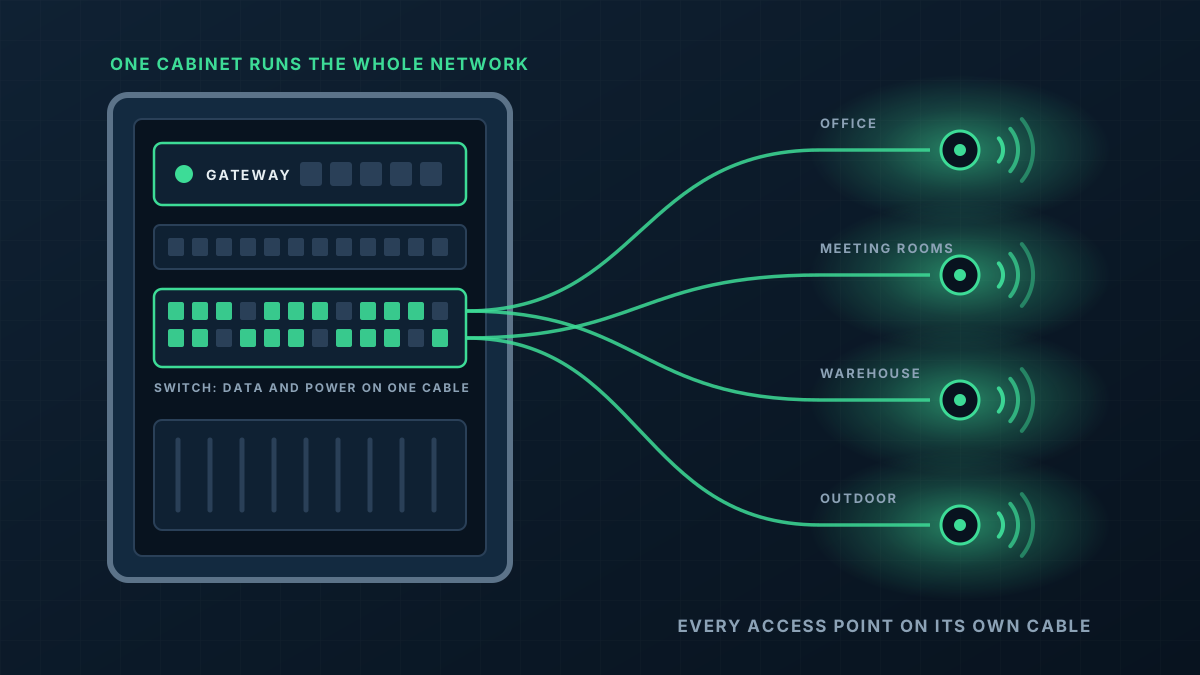
Each platform gives you a family of gateways, switches and access points that are configured together from one management interface, rather than box by box. Each supports multiple networks, guest access and remote management. Any of them, installed well, will outperform consumer equipment by a wide margin.
Which is the important point to make early: the quality of the design and installation matters more than the badge. A well-placed, well-cabled network on any of these will beat a badly planned one on the most expensive.
UniFi (Ubiquiti)
UniFi's appeal is that you buy the hardware and the management software comes with it, without a per-device licence that has to be renewed for the network to keep working. The interface is clear enough for a business owner to find their way around, and the range extends beyond networking into cameras, door access and phones on the same platform.
It suits small and mid-sized businesses, multi-site operators who want consistency without subscription costs, and larger homes. It is the platform we install most.
Omada (TP-Link)
Omada follows a similar model to UniFi: a controller manages gateways, switches and access points, and it can run on a small hardware controller on site, on your own computer, or in TP-Link's cloud. Hardware pricing is generally keen.
It is a reasonable choice for straightforward sites. The ecosystem is narrower than UniFi's and, in our experience, the management tools are a step behind in polish. If you already have Omada equipment that is working, there is seldom a reason to rip it out.
Meraki (Cisco)
Meraki is a cloud-managed platform aimed at larger organisations and IT teams. Its management and reporting tools are deep, and it is backed by Cisco's support structure.
The trade-off is the licensing model. Meraki devices need a current licence to remain managed and operational, so the cost is ongoing for as long as the equipment is in service. For an enterprise with compliance requirements and an IT department, that can be money well spent. For a twenty-person business it is usually more than is needed.
How to choose
Start with who will look after the network and how you want to pay for it.
- You want to buy it once and run it for years: UniFi or Omada.
- You want cameras, door access and networking in one system: UniFi.
- You have an IT team, many sites and a need for enterprise support and reporting: Meraki is worth pricing, with the licence cost counted over the life of the equipment.
- You already own one of them and it works: stay put and fix the design, which is where most problems live.
A note on checking the details
Product ranges and licence terms change. Before committing, confirm the current terms with the manufacturer or ask us to. If UniFi is the direction you are heading, our UniFi installer page covers what we do and the warranty that comes with hardware we supply.