Data Cabling for Networks, WiFi and Devices
Data cabling is the part of a network nobody sees and everything depends on. We run network cable to access points, desks, printers, screens and cabinets, terminate and label it, and connect it to equipment that is configured to use it.
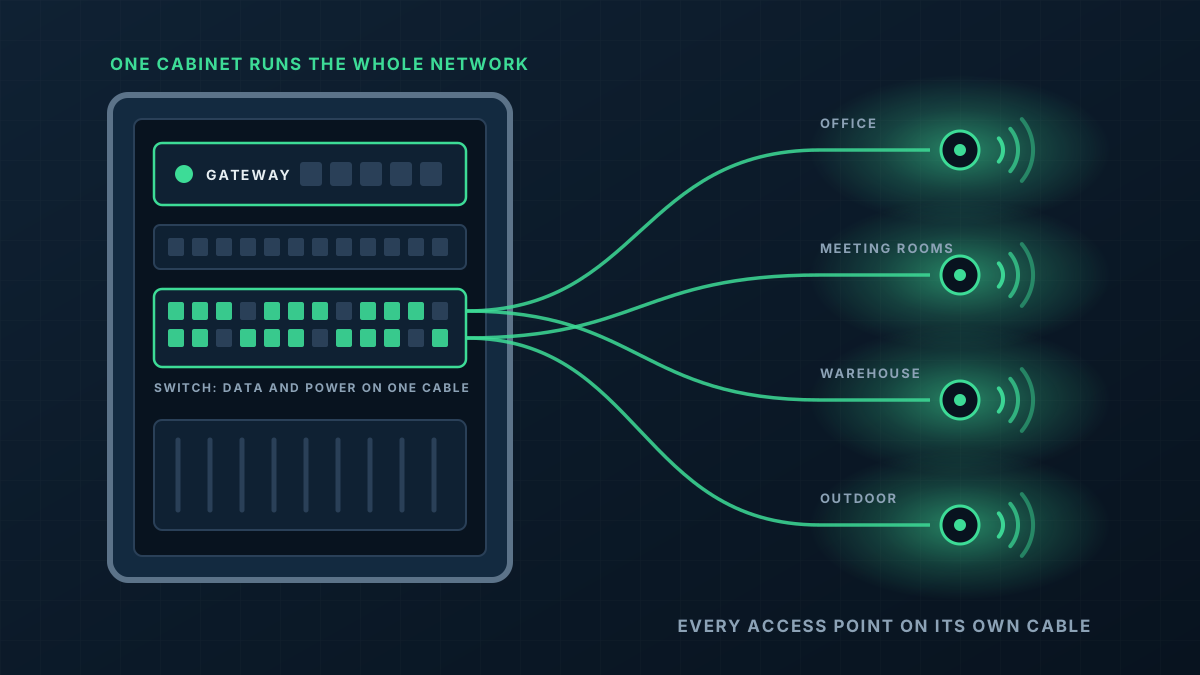
When the cabling needs attention
Access points with nowhere to plug in
Better WiFi needs a cable to each access point location, and most buildings were never wired with ceilings in mind.
Cables along the skirting
Long patch leads run around rooms and under doors are a sign the building has outgrown its data points.
Faults that come and go
A damaged or poorly terminated cable can cause a device to connect slowly or drop out at random, and it is rarely the first thing anyone suspects.
A fit-out or a move
New desks, new rooms or a new tenancy all change where the network needs to reach.
Cabling installed as part of the network
We cable with the finished network in mind. Every run has a purpose, a label and a port waiting for it at the other end.
- 1
Runs planned before anything is pulled
Routes are worked out against the building: ceiling space, risers, wall cavities and anywhere that needs conduit.
- 2
The right cable for the job
Cable is chosen to suit the distance, the speed required and whether it runs indoors, outdoors or between buildings.
- 3
Terminated, tested and labelled
Each cable is terminated at a wall plate or patch panel, tested end to end and labelled so the next person can follow it.
- 4
Connected to working equipment
We do not stop at the wall plate. Cables are patched into switches and the devices on them are brought online.
From first message to working network
Tell us what needs connecting
A list or a marked-up plan of where points are needed, and where the network cabinet is or should be.
Quote
We confirm the routes and quote the cabling, terminations and any equipment in writing.
Install
Cable is run and fixed neatly, wall plates and patch panels are fitted, and penetrations are made good.
Test and connect
Every run is tested, labelled and patched in.
What shapes the quote
Every building is different, so we quote each job on its own details rather than from a price list. These are the things that move it.
Get a Quote- Number of cable runs and their length
- Ceiling and wall construction, and how accessible the cable paths are
- Whether a cabinet or patch panel is needed
- Outdoor or underground sections
- After-hours work in occupied buildings
Data Cabling: common questions
Do you do cabling on its own, without WiFi?
Can you reuse the cable that is already in the building?
Can you tidy an existing cabinet?
Do you run cable between buildings?
Get a Quote
Tell us what the building is and where the WiFi lets you down. A floor plan or a few photos helps if you have them, and we will ask for those when we call.
Thanks, that has come through
We will be in touch to talk through the site. If you would rather ring us, the number is 0485 001 498.
Rather talk it through?
Tell us what the building is, where the WiFi drops out and what is installed now. We will tell you what we would do about it.