Managed WiFi and UniFi Support
Managed WiFi means someone who knows your network is looking after it: applying updates, making changes and finding faults before they turn into a day of lost work. We manage networks we have installed and take over existing UniFi sites that have nobody responsible for them.
When it makes sense to hand it over
Nobody owns the network
It was installed years ago, the person who knew it has left, and updates have not been applied since.
Every change means a call-out
A new guest password, a new staff member or a new printer should not need someone to drive to site.
Problems are found by staff
The first sign of an access point being offline is someone complaining, sometimes days after it happened.
Several sites, no consistency
Each branch was set up differently, so nobody can say with confidence how any of them is configured.
Looked after from a distance
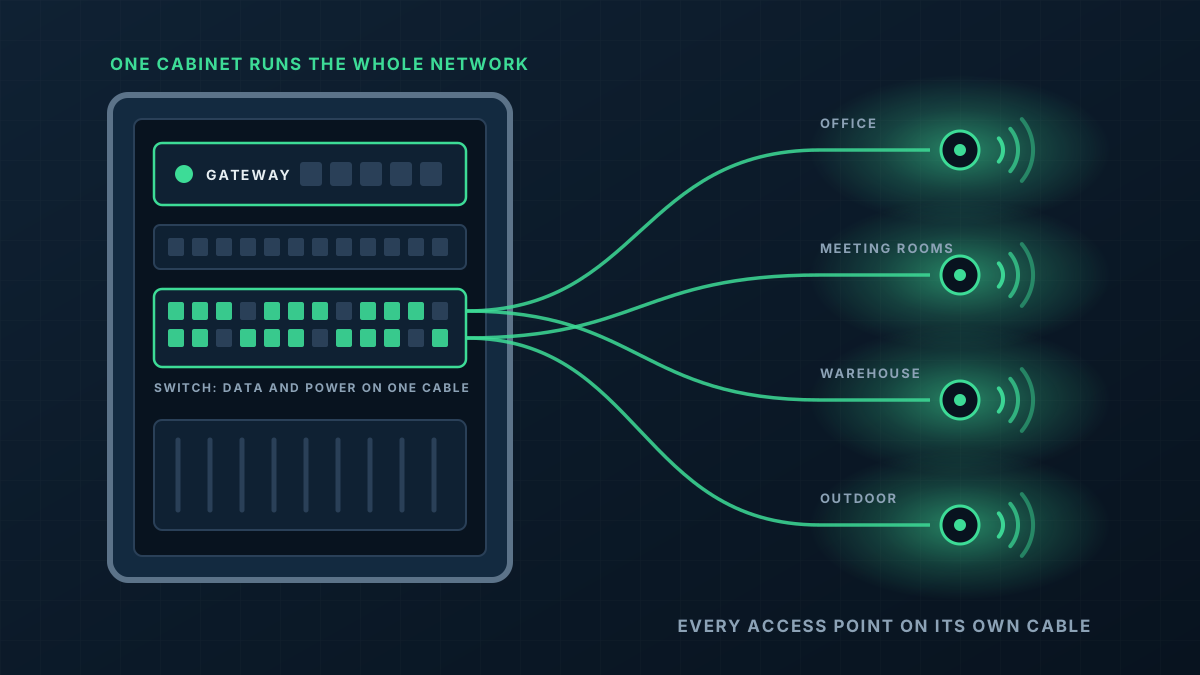
UniFi networks can be managed securely over the internet. That lets us see the state of your network and make most changes without visiting, and visit when hands are needed.
- 1
Updates applied with care
Firmware and software updates are applied at sensible times and checked afterwards, rather than left for years or switched on automatically and forgotten.
- 2
Changes on request
New networks, password changes, new devices and access for new staff are handled when you ask.
- 3
Fault-finding
When something is not working we can usually see why remotely: an offline access point, a failing cable, a device flooding the network.
- 4
Growth and replacement
As the site changes we add access points and switches, and replace hardware as it ages, within the same system.
From first message to working network
Tell us about the network
What equipment is there, who has access to it now, and what has been going wrong.
Review
For a network we did not install, we look over the hardware and configuration first and tell you what we found.
Agree the arrangement
We set out what we will look after and how you reach us, in writing.
Take over
Access is set up properly, anything urgent is fixed, and the network is brought up to a known good state.
What shapes the quote
Every building is different, so we quote each job on its own details rather than from a price list. These are the things that move it.
Get a Quote- Number of sites and devices to be managed
- Whether we installed the network or are taking it over
- The condition of the existing equipment and configuration
- How often changes are likely to be needed
- Whether the hardware is UniFi or something else
Managed WiFi: common questions
Do you manage networks you did not install?
Is remote access to our network secure?
Do you provide general IT support too?
What if something needs a site visit?
Get a Quote
Tell us what the building is and where the WiFi lets you down. A floor plan or a few photos helps if you have them, and we will ask for those when we call.
Thanks, that has come through
We will be in touch to talk through the site. If you would rather ring us, the number is 0485 001 498.
Related services
Rather talk it through?
Tell us what the building is, where the WiFi drops out and what is installed now. We will tell you what we would do about it.